
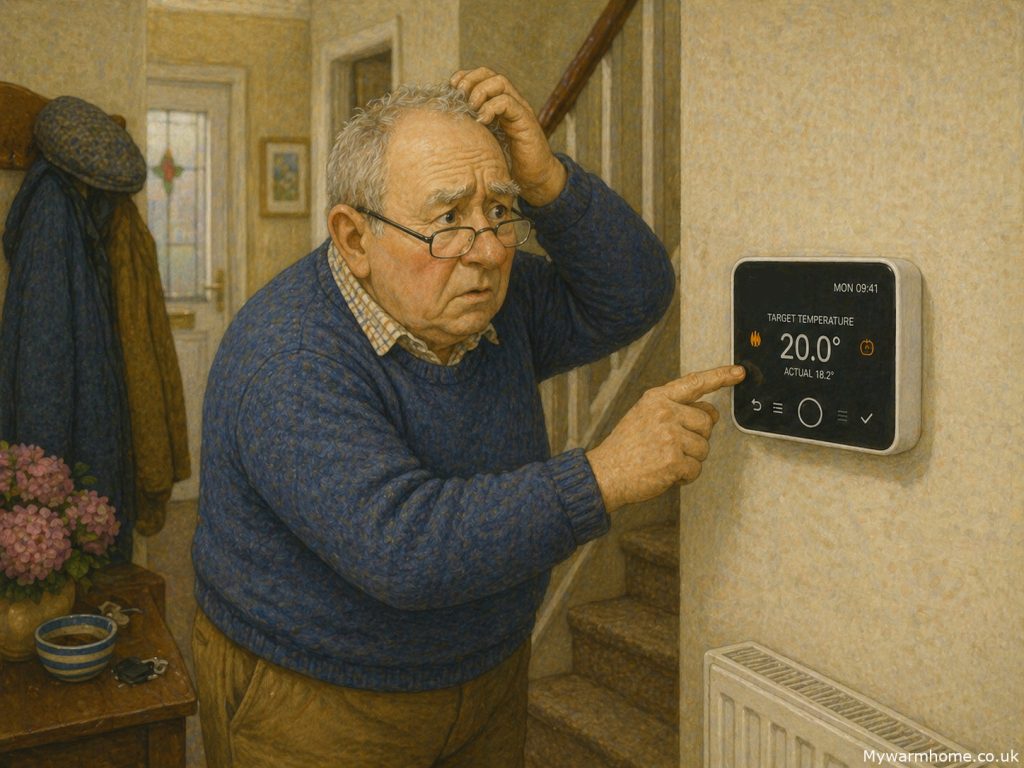
For someone used to a simple dial thermostat, navigating icons, settings, and scheduling interfaces can feel unnecessarily complex.
Controls for modern heating systems are often designed with flexibility in mind—but that flexibility can come at the cost of usability, particularly for older homeowners. Many systems now rely on layered menus, small touchscreens, or app-based controls that assume a level of digital confidence that not everyone has. For someone used to a simple dial thermostat, navigating icons, settings, and scheduling interfaces can feel unnecessarily complex. Even basic adjustments like increasing the temperature can become frustrating if they’re buried behind multiple steps.
There’s also a strong reliance on smartphones and apps, which doesn’t always reflect reality. A significant number of older people either don’t use smartphones at all or use them in a very limited way. Small screen sizes, poor contrast, and fiddly controls can make apps difficult to read and operate—especially for those with reduced eyesight or dexterity. On top of that, concepts like Wi-Fi connectivity, accounts, and software updates can create barriers that simply don’t exist with traditional controls. When heating becomes dependent on an app, it can leave some users feeling locked out of their own system.
Technology awareness plays a big role too. Many modern interfaces assume familiarity with common digital behaviours, swiping, tapping icons, navigating menus, but these aren’t universal skills.
For older users, there can be a lack of confidence in “trying things,” especially when there’s a fear of pressing the wrong button and causing a problem. This often leads to systems being left on default settings, or worse, used incorrectly, impacting both comfort and efficiency.
Always ask installers what controls will be fitted. Ask for a easy to manage and NON app connected if technology will cause a problem. Don’t settle for “thats the only one we can fit!”
So what’s available? Encouragingly, there are still more accessible options. Some manufacturers offer simplified thermostats with large buttons, clear displays, and minimal menus, focusing only on core functions like temperature up/down and on/off.
Others provide wired controls that stay in a fixed location, avoiding the need for apps altogether. There are also programmable thermostats with physical buttons and high-contrast screens, designed specifically with readability in mind. In more advanced systems, it’s sometimes possible to pair a smart setup with a basic user interface for day-to-day use, leaving the more complex controls to installers or family members if needed.
Ultimately, good design should work for the person using it, not the other way around. When specifying heating controls, it’s just as important to consider usability as it is efficiency. A system that’s easy to understand and operate will always perform better in real life than one packed with features that never get used.